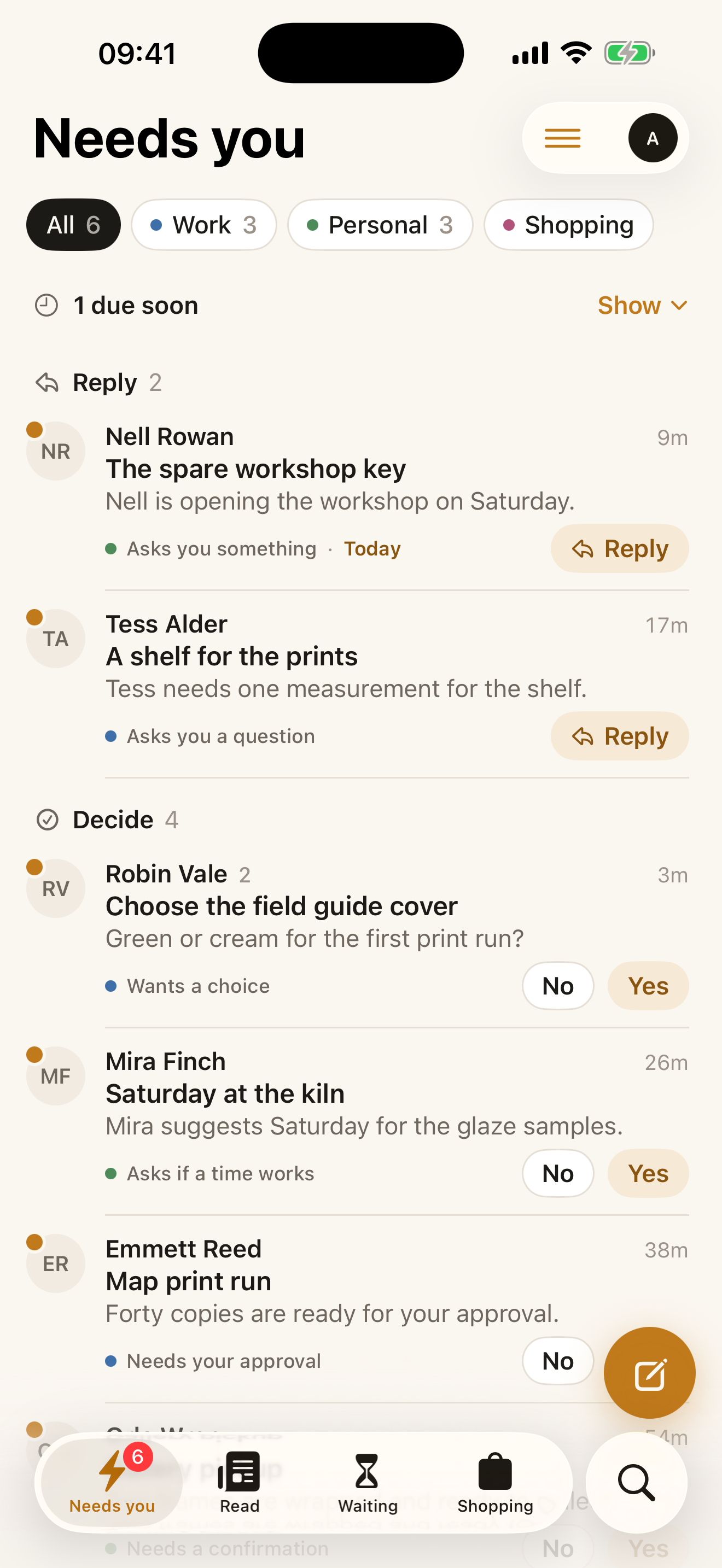
Needs you
See why it needs your attention.
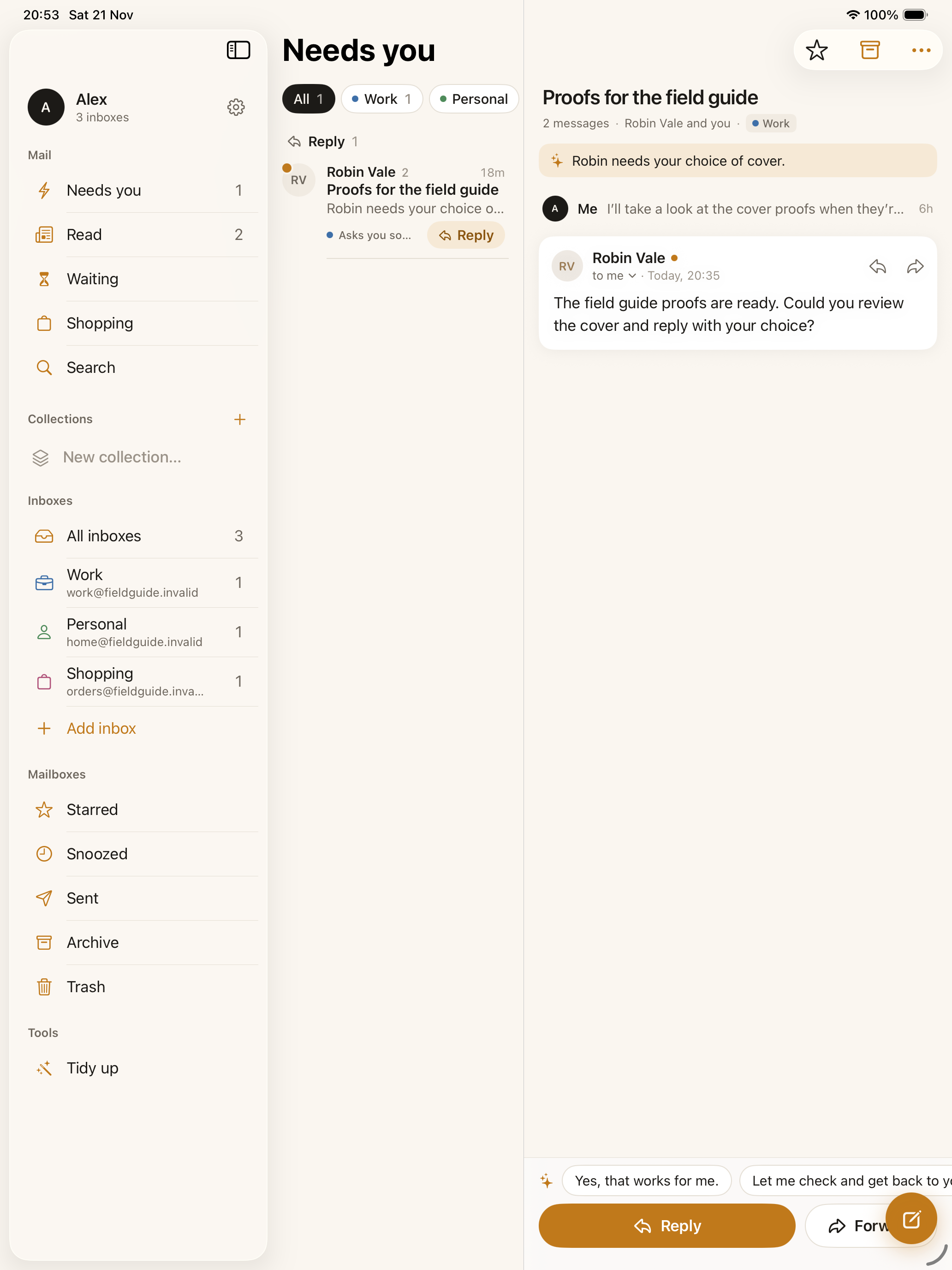
Robin’s message appears under Decide with the reason “Wants a choice.” You can see why it’s here without reading the whole thread first.
 Alpha Mail
A native email app for iPhone and iPad
Know what needs a reply, and why.
See how Alpha Mail works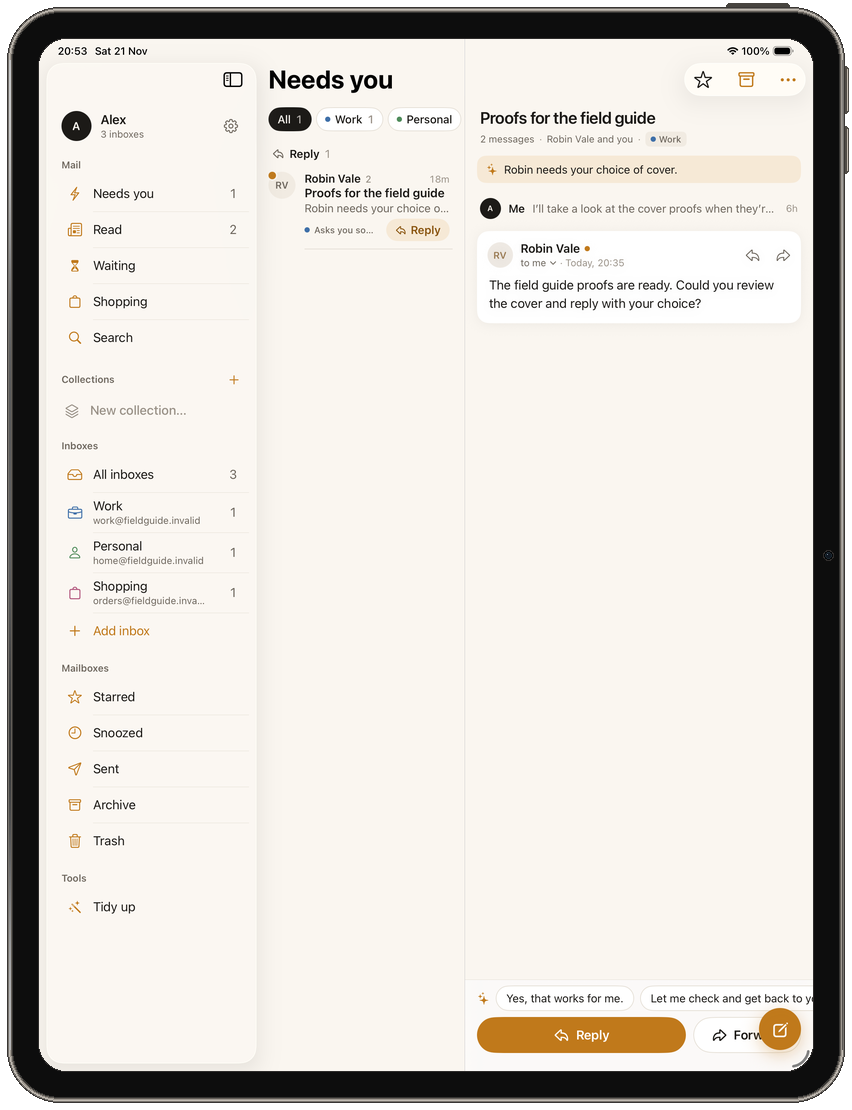
One conversation, from start to finish
Robin needs a decision about the field guide cover. Here’s how that conversation moves through Alpha Mail.
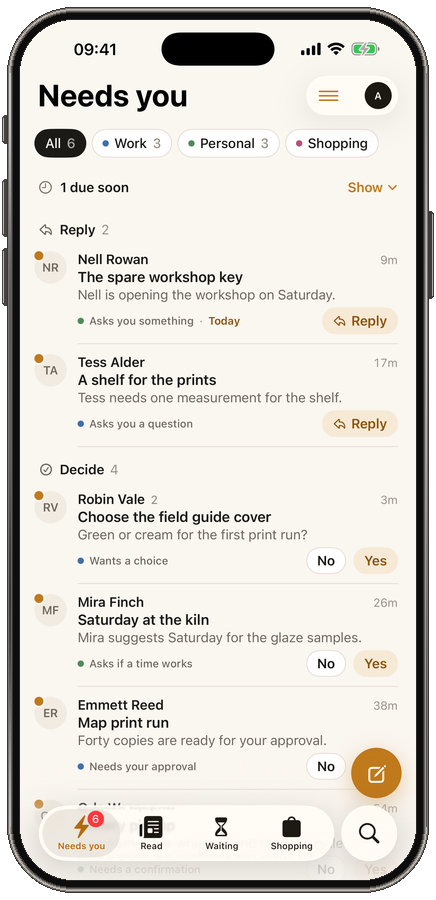
Needs you
Robin’s message appears under Decide with the reason “Wants a choice.” You can see why it’s here without reading the whole thread first.
Multiple inboxes
Label your inboxes so you can tell work apart from personal mail. Switch between them or see all of them together.
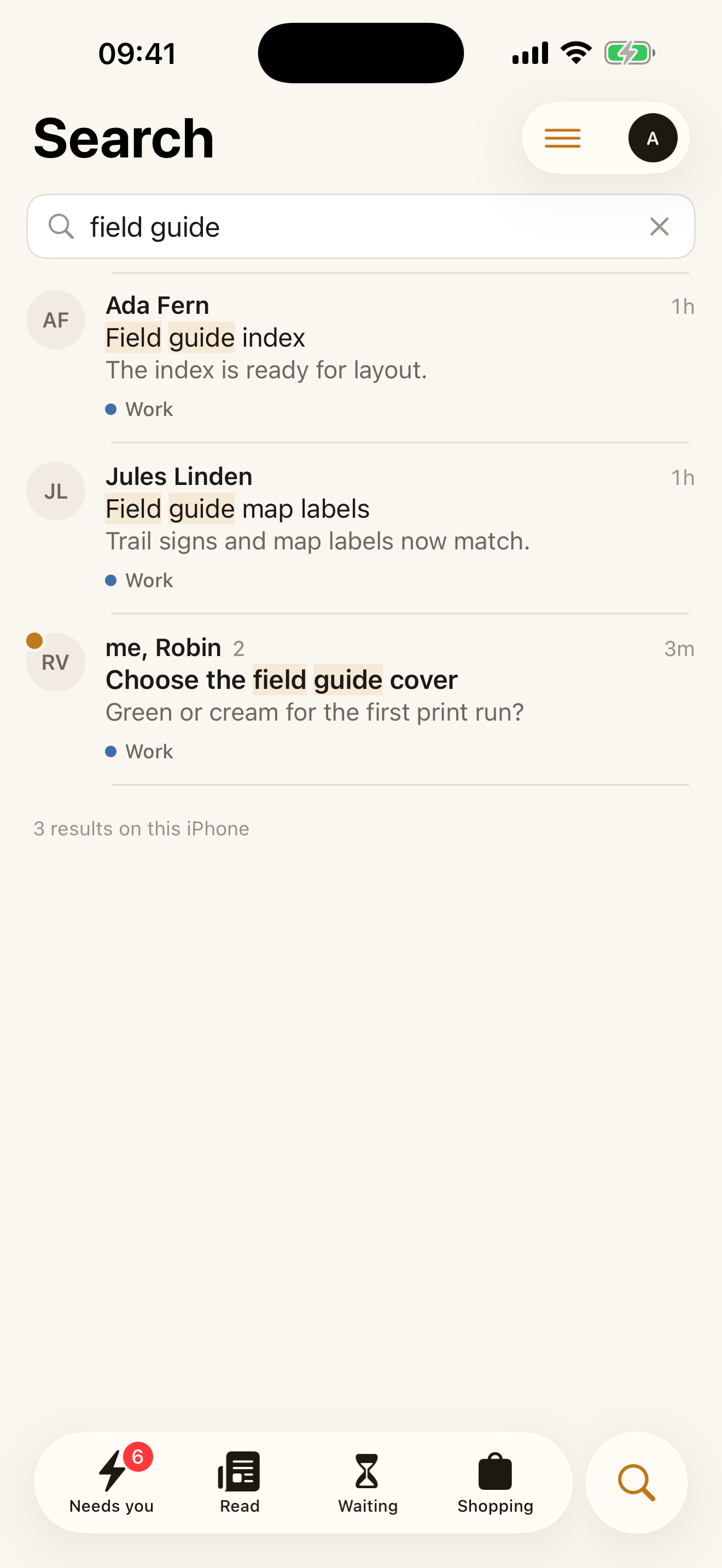
On-device search
Search “field guide” to find the cover, map labels and index. Search works on mail you’ve downloaded, including when you’re offline.
Read and reply
Read the earlier notes and give Robin your answer. Messages that don’t need a reply are grouped in Read for later.
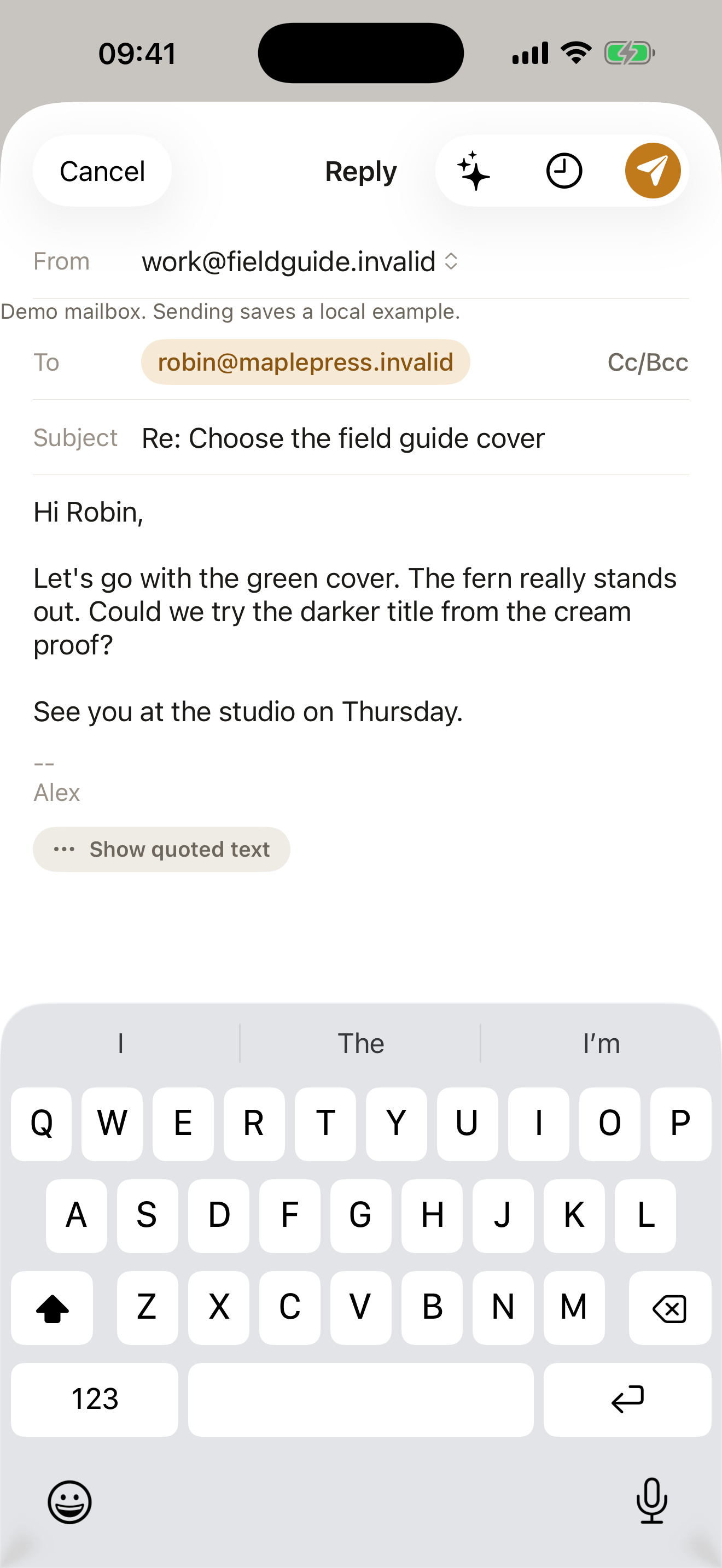
iPhone and iPad
On iPad, keep your inbox, sidebar and open message side by side. On iPhone, tap any conversation to read it.
No. Alpha Mail works with existing email providers that support secure IMAP and SMTP. Some providers require an app password or approval from your administrator.
Yes. The app’s welcome screen includes “Try it with demo mail.” It uses fictional mail, and demo replies stay on your device.
Alpha Mail connects directly to your mail provider. Downloaded messages and drafts are stored on your device. Your provider controls its mailbox copy. Read the privacy policy for details.
The native app is for iPhone with iOS 26 or later and iPad with iPadOS 26 or later. You can view this preview in a browser without either device.
The first release is planned as a free app for iPhone and iPad. The App Store download isn’t available yet.